
On this page
The Main Sequence demo is a free, separate Steam app. It was released on May 28, 2026 and remains listed as of our November 1 check. The October 19 Next Fest update added the new tech tree, Electromagnetic Science, new equipment and places, the Shield Generator Mk. 1 and co-op multiplayer. A small hotfix followed on October 21.
Steam describes the demo as a slice of the starting star system, covering the first two technology tiers and culminating in the Slipstream Drive. The October update extended the demo’s research options for players who reached the previous endpoint, so “first two tiers” is still a useful summary but no longer the complete patch story.
This is a development demo, not a content-complete preview of the full game. Later systems, the Trading Outpost and late-game science featured in the September playtest are playtest material unless an official update explicitly says they are in the demo.
How to access the demo
- Open the Main Sequence Demo page on Steam.
- Sign in to Steam and select the demo download. It is a separate app from the full game, so searching only for the main store page can make the demo button easy to miss.
- Install, launch and follow the in-game tutorial. The demo opens in the starting asteroid belt with the mining ship.
A Steam account is required. We do not host or mirror the demo files. The demo’s availability after Steam Next Fest is controlled by the developer; it was still listed at the time of our last check.
What is included in the demo
| System | Status in demo | Detail |
|---|---|---|
| Starting star system | Official | Steam frames the demo around the starting system, not the whole galaxy. |
| Mining and ship refining | Official | Scan, mine and refine aboard the starting ship. |
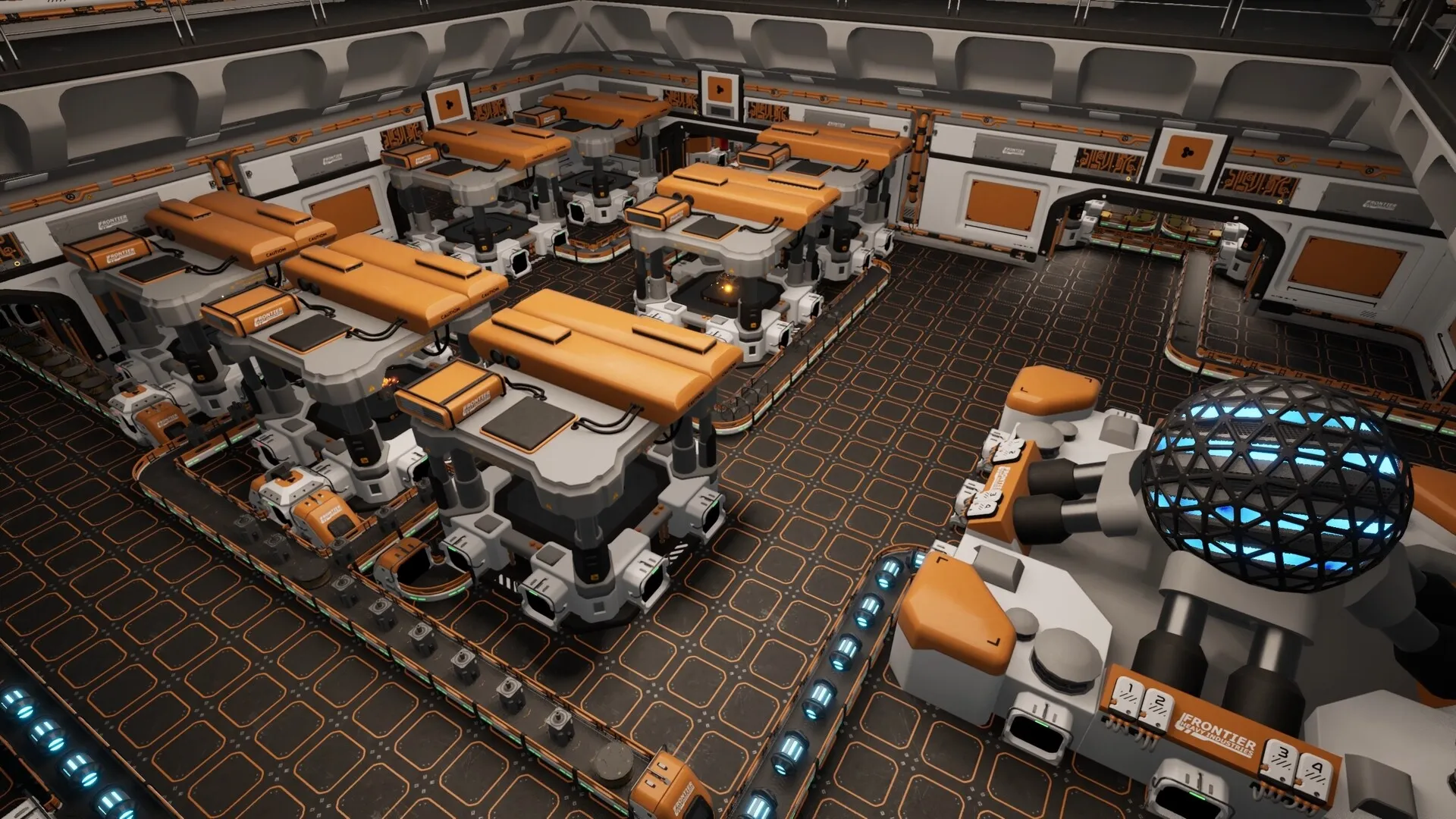
| Station building and factories | Official | Build a station, place machines and start automating production. |
| Research / Slipstream Drive | Official | Steam names Slipstream Drive as the early demo goal. Only Warp Fuel can be inserted into it. |
| Electromagnetic Science | Added Oct 19 | Added for players who reached the end of the previous demo content. |
| Combat and threat defense | Official | The demo includes enemies and the October update added a shield generator. |
| Co-op | Added Oct 19 | Multiplayer was added to the demo. The store page’s older single-player wording is out of date. |
| Full game progression | Not included | Later systems and late-game science belong to the full/playtest build, not the public demo. |
The demo is a moving target. It received a visual overhaul before release and multiple hotfixes afterward. Treat exact recipes and costs as patch-dependent.
A practical first route
The demo’s tutorial gives you a sequence of missions. The following route is a synthesis of the official demo description and a community-tested account of the early progression. It is not a scripted walkthrough with hidden puzzle solutions.
- Scan and mine. Learn how the ship scanner identifies resource asteroids, then mine enough material to test the refining loop.
- Use the ship workstation. You do not need a complete station before you can process ore. Early crafting happens on the ship.
- Build the first station room. The Command module is the station-design entry point. Plan for power before you fill the room with machines.
- Power the station. This is the step that trips up new players. A docked ship does not necessarily solve station power in the current demo; the community-tested answer is to build station-side generation and supply it.
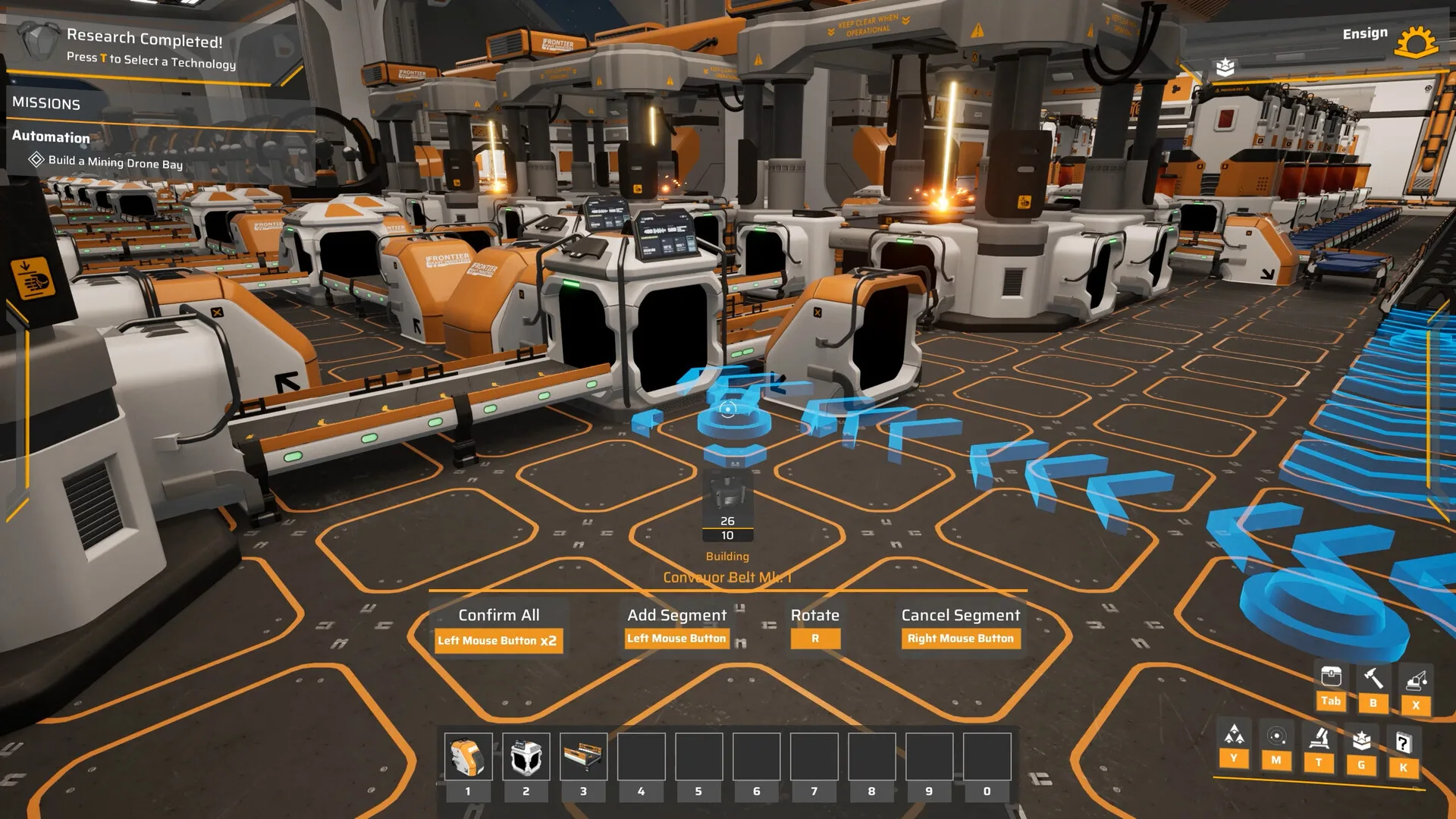
- Queue Logistics I. The official demo screenshot shows Logistics I in the research queue at 0/10. Conveyor belts are not available until this research step is handled.
- Build a belt loop. Once belts are available, connect one machine to storage and watch the item flow. Add a splitter only when you need to send material to two destinations.
- Automate mining, then scale research. Mining Drones follows Logistics I in the visible tree. That is the transition from hand-feeding to a genuinely automated base.
- Push toward Slipstream Drive. Build a stable science loop before chasing the drive. The demo’s endpoint is a system-travel technology, not a fully upgraded empire.
Demo players have reported that the tutorial does not clearly explain the station-power step or how to reach conveyor belts. The step-by-step fix is covered in our conveyor belt guide.
Co-op in the demo
The October 19 update added co-op to the demo. In the full game and the demo’s design, each player is the captain of their own ship. The official examples suggest splitting logistics, defense and exploration, but the game does not force those roles.
What is still unknown: the maximum player count, dedicated-server support, host migration, cross-play and exactly how shared progression works. The demo is the current test bed, not a final specification.
Use the co-op guide’s crew planner to assign a first shift across two to four captains.
Will demo progress carry over?
This has not been confirmed. No official statement says demo saves, stations or research will transfer to Early Access. Treat the demo as a preview, not an early-access save file.
The safest preservation strategy is to save useful blueprints rather than assuming a full save transfer. Whether blueprints themselves survive the version boundary is also unconfirmed, so keep screenshots or notes of designs you care about.
What could change at launch
- Recipe costs, research requirements and module balance can change between the demo and Early Access.
- The demo’s co-op performance was still being optimized during the September playtest and October Next Fest.
- The game is entering Early Access, so the launch build is not the final 1.0 balance either.
Field notes for a cleaner demo run
Power before production
A factory line that cannot run is just expensive decoration. Build and fuel station power before committing floor space to a chain of machines. The community-reported tutorial gap makes this the first thing to verify.
Research is a production input
Science is not a passive XP bar. Certain produced items are converted into research through Science Labs. That means your research pace is part of your factory design: if science stalls, check the supply chain before assuming the game is broken.
Read the queue
The research tree exposes prerequisites. Technology names that seem missing may be later nodes, or may require a different ore to be researched first. The demo’s tutorial has known gaps; the tree is a more reliable map than a single mission line.
Don’t chase a finished “best build” yet
The current build is a demo and the launch build is Early Access. Recipes and costs have already changed in patches. Use layouts that are easy to modify, and avoid copying numeric ratios from a build that may no longer match the current version.
Related tool
Track your demo run
The demo checklist turns this route into a progress list saved in your browser, from requirement checks to co-op and the Slipstream Drive objective.
Open the demo checklistCommon questions
Short answers, with the verified detail kept in the sections above.
Is the Main Sequence demo free?
Yes. The demo is a free download on Steam and remains listed at the time of our last check on November 1, 2026.
How far does the Main Sequence demo go?
Steam describes the demo as covering the first two technology tiers and culminating in the Slipstream Drive. The October 19, 2026 update also added the Electromagnetic Science branch, new equipment, new places and a Shield Generator Mk. 1.
Does the demo support co-op?
The demo launched as a single-player demo, but the October 19, 2026 Next Fest update added co-op multiplayer. The older Steam demo description may still call it single-player.
Will demo saves carry into Early Access?
That has not been confirmed. Treat the demo as a preview and avoid assuming that its save files or station builds will transfer into the Early Access release.
Sources and verification
These are the primary references behind this page. Where sources disagree, the page explains the difference instead of presenting a guess as fact.
- Main Sequence Demo on SteamValve / Tumbling Dumpling Studio2026-05-28Official storefront
Demo availability, demo scope, first two technology tiers, Slipstream Drive goal, demo system requirements.
- Next Fest Demo UpdateMain Sequence / Steam2026-10-19Official developer / publisher
October demo update, Electromagnetic Science, new modules including Shield Generator Mk. 1, co-op in the demo.
- Hotfix 2026.10.21Main Sequence / Steam2026-10-21Official developer / publisher
Demo filter and performance fixes in the October 21 hotfix.
- Demo Available Now!Main Sequence / Steam2026-05-28Official developer / publisher
Demo release, Mythwright publishing announcement, cobalt refining, ore enrichment, new star types and enemies.
- Thank You for 100 000 Wishlists!Main Sequence / Steam2026-06-09Official developer / publisher
Peaceful mode in the demo, planned difficulty and customization options, wishlist milestone.
- Playtest WeekMain Sequence / Steam2026-09-09Official developer / publisher
Playtest scope, Cobalt and Graphite, abandoned stations, Trading Outpost, Relic Destroyer, Interstellar Warp Drive and advanced science types.
- I don't get how to start the logisticsSteam Community2026-10-29Community report
Community-tested account of the station power and Logistics I progression step. Clearly labelled as player experience, not an official statement.
- Playtest 2 Patch 4Main Sequence / Steam2026-09-21Official developer / publisher
Ship component masses, repair mechanics, Warp Fuel restriction, Slipstream Drive tutorial, general fixes.
Accessed and checked November 1, 2026. External pages can change after publication.