
On this page
Before you start
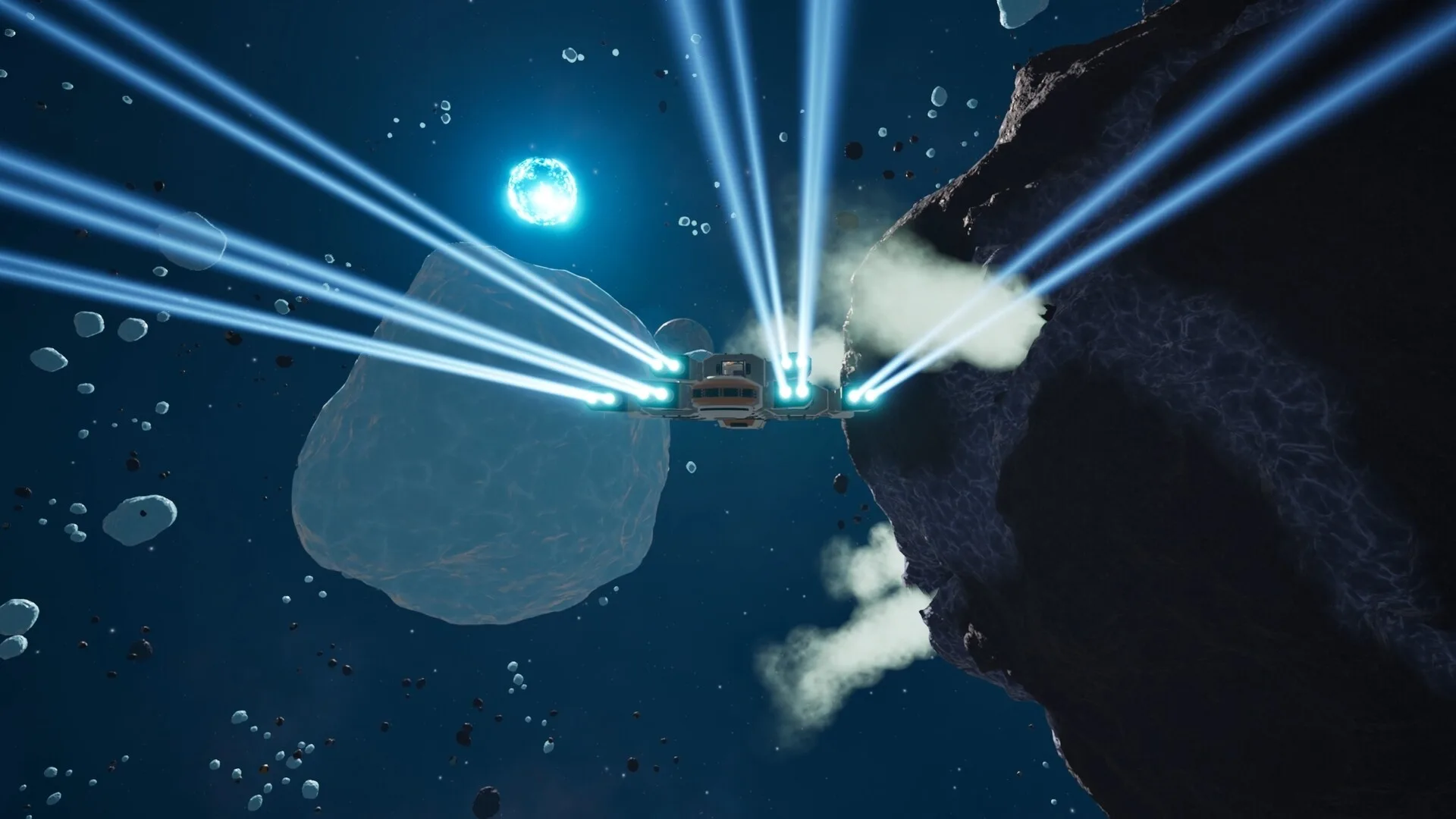
Main Sequence begins at the frontier in a small mining ship. You are not handed a finished base, and you should not expect the opening to behave like a pure sandbox. The demo uses missions and research gates to introduce mining, station building and production.
You need a Steam account and the free demo if you want to follow along before launch. The full game is scheduled for Early Access on November 12, 2026. Exact recipes and costs are patch-dependent, so this guide focuses on the order of operations rather than numeric ratios.
Mine enough to learn the loop, build a powered station, research logistics, then make one complete automated production chain before trying to scale.
The opening route
1. Scan, mine and return with a clear purpose
The ship scanner identifies asteroids and their resources. Mine enough to test the ship workstation, but do not fill every slot blindly: the early goal is to understand what each ore feeds, not to hoard unknown material. The official store description names the scanner as the first step of the mining loop.
2. Refine and craft at the ship workstation
The starting ship can process ore before you build a full factory. Official hotfix notes reference refining enriched ores at the ship workstation, and the developer describes refining resources on your ship as part of the opening. Use this phase to learn the crafting inputs.
3. Build the first station room
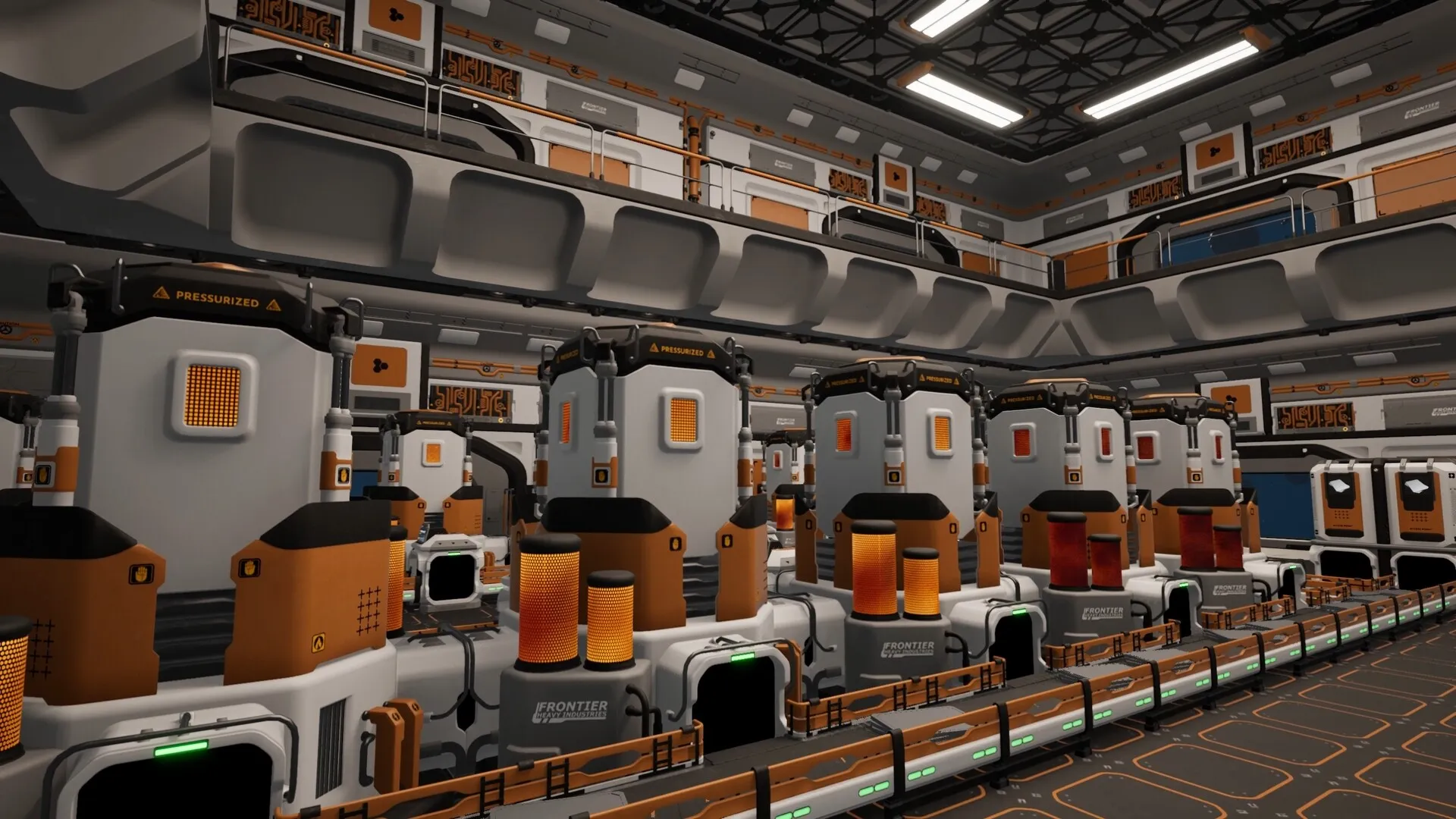
The station is the center of the production game. The Command module is the station-design entry point. Start with a compact room that has space for power, a research/science machine and production. Do not build a huge empty hall that you cannot light or power.
4. Solve station power before adding machines
This is the most common demo roadblock. Station machines need station-side power. A docked ship does not automatically run the station’s research or production, according to a demo player report. Build the station’s generation and fuel path first, then place the machine that needs it.
Status: community-tested, not an official tutorial statement. The current demo is based on the October 21 build; a later patch may improve this flow.
5. Research Logistics I
The official demo screenshot shows Logistics I in the research queue at 0/10. Players report that conveyor belts are not available until this step is completed. If belts are missing from the build menu, do not restart: check power and the research queue first.
6. Build one complete loop
A useful first loop has a source, a processor and a destination. Once a machine is fed and its output is stored, you have a factory. Only then add another machine or a splitter. This is slower than building a huge line, but it makes it much easier to find the item that is stuck.
Stuck here?
Read the focused fix
Our conveyor belt guide walks through station power, the research queue and the specific tutorial gap in more detail.
Unlock conveyor beltsStation power and your first factory floor
Treat the first station as a small workshop, not an empire. The useful zones are:
- Power: generator, fuel supply and the machines that depend on it.
- Research: the science/research input and the queue you use to unlock the next tier.
- Production: the first refinery or crafting machine and a clear route to storage.
- Logistics: one belt line, with space for a future splitter or elevator instead of a tangle of belts.
The exact machine names and recipes can change. The durable lesson is the dependency: power supports research, research unlocks logistics, and logistics turns one machine into a production chain.
For a layout method rather than a copy-paste build, read the factory layout guide. For the confirmed module list, the modules database separates Station, Production, Power, Logistics, Defense and Ship modules.
What to research early
The visible demo tree places Logistics I → Mining Drones → Computation Science → Logistics II on one automation line. Power is a separate branch beginning with Hydrogen Power and Solar Panels. The production branch begins with Silica Refining and Ore Enrichment.
| Early goal | Why it matters | Confirmed context |
|---|---|---|
| Logistics I | Moves your base from hand-feeding to belts. | Visible in the demo tree and shown at 0/10 in the official screenshot. |
| Power generation | Machines and research stop without it. | Hydrogen Power and Solar Panels are visible in the power branch. |
| Mining Drones | Adds station-side mining automation. | The developer names Mining Drone Bays as a resource-gathering path. |
| Ore processing | Feeds construction, modules and science. | Silica Refining, Ore Enrichment and Cobalt Refining are visible production nodes. |
| Slipstream Drive | Unlocks travel around the starting system. | Steam names it as the demo progression goal; it runs only on Warp Fuel. |
Costs are not shown for most nodes in the public screenshot. We do not invent a research-time ranking. See the full research database for the visible branch order.
Field tips that survive patches
Build for diagnosability
A machine that visibly receives items and outputs to a known container is easier to debug than a beautiful floor with three possible failure points. Add complexity after the first loop is stable.
Keep the research path visible
The research queue is your actual progression map. Before adding a new production line, check which science or module it feeds. If the answer is “nothing yet” you can probably postpone it.
Do not trust a borrowed ratio
Recipes and build costs changed during the demo period. A ratio from an older video or an older demo build may no longer be correct. Use the in-game UI and the current patch notes.
Use the ship as a mobile test bench
Early refining and manual crafting happen aboard the ship. You do not need to solve the station first; use the ship to learn the material chain, then move that process into the factory.
Common beginner mistakes
- Assuming belts should be in the build menu from the start.They are gated behind Logistics I in the current demo.
- Building machines before station power. The machine exists, but it will not process anything without power.
- Ignoring the research queue. “Missing” technology is often a prerequisite problem rather than a bug.
- Expanding the station footprint too early. A large room costs more to fill and makes power and logistics harder to diagnose.
- Expecting demo saves to carry over. Transfer has not been confirmed. Keep screenshots of designs and treat the run as a preview.
- Using outdated build ratios. The October update and earlier hotfixes changed research flow, modules and balance.
Demo versus Early Access
The demo is a limited slice. The Early Access build is expected to include the core progression and around 40 hours of developer-estimated content, with more systems planned during the Early Access period. The demo’s starting system and first technology tiers are not a full roadmap.
If you are deciding whether to start at release, the practical question is not “is there enough content?” but “do I want to play a game that is explicitly still changing?” The store page and the developer both say the Early Access build will evolve. If you need a fixed balance and complete feature set, waiting is a valid choice.
Check the release status page for the date, price status and requirements. The page is updated when the publisher confirms new launch details.
Common questions
Short answers, with the verified detail kept in the sections above.
Is this beginner guide based on the full game?
No. It is based on the playable demo, official developer posts and storefront descriptions, with player-tested findings labelled as such. The Early Access build may change recipes, research costs and tutorial flow.
Why can’t I find conveyor belts in the build menu?
In the current demo, conveyor belts are gated behind the Logistics I research step. You need a powered station and a working science/research input before the conveyor build option appears. The dedicated conveyor belt guide covers the blockage step by step.
What should I research first?
The visible demo tree places Logistics I before Mining Drones and Computation Science. Power technology is a separate branch. In practice, secure enough station power to run research and machines before expanding production. The game does not publish a single mandatory order for every playstyle.
Do I need to play the demo before Early Access?
You do not have to, but it is the best way to see whether the first-person building and factory flow suit you. The demo is free, and its progress is not confirmed to carry into Early Access.
Sources and verification
These are the primary references behind this page. Where sources disagree, the page explains the difference instead of presenting a guess as fact.
- Main Sequence on SteamValve / Tumbling Dumpling Studio2026Official storefront
Release date, Early Access statement, system requirements, feature list, store description, language support.
- Main Sequence Demo on SteamValve / Tumbling Dumpling Studio2026-05-28Official storefront
Demo availability, demo scope, first two technology tiers, Slipstream Drive goal, demo system requirements.
- Introducing Main SequenceMain Sequence / Steam2025-08-12Official developer / publisher
Core gameplay loop, ship and station designer, mining drone bays, science labs, creative mode.
- Demo Available Now!Main Sequence / Steam2026-05-28Official developer / publisher
Demo release, Mythwright publishing announcement, cobalt refining, ore enrichment, new star types and enemies.
- Playtest 2 Patch 4Main Sequence / Steam2026-09-21Official developer / publisher
Ship component masses, repair mechanics, Warp Fuel restriction, Slipstream Drive tutorial, general fixes.
- Next Fest Demo UpdateMain Sequence / Steam2026-10-19Official developer / publisher
October demo update, Electromagnetic Science, new modules including Shield Generator Mk. 1, co-op in the demo.
- I don't get how to start the logisticsSteam Community2026-10-29Community report
Community-tested account of the station power and Logistics I progression step. Clearly labelled as player experience, not an official statement.
- Main Sequence screenshots on SteamTumbling Dumpling Studio / Valve2026Official media
Official screenshots used for editorial illustration, research-tree nodes, modules and in-game UI context.
Accessed and checked November 1, 2026. External pages can change after publication.