
On this page
Five principles that survive a balance patch
- Keep power and production separable. If a machine stalls, you want to know whether the generator, the fuel supply or the recipe is at fault. Put the power source where you can inspect it.
- Design around the human. The player walks the station in first person. A line that is perfectly packed but impossible to inspect is a bad layout.
- Make one product visible end to end. A clean first loop beats a wide floor of half-connected machines.
- Leave buffers. Containers and empty belt segments give you a place to see backlog before it becomes a factory-wide jam.
- Leave a growth direction. Choose one wall or aisle where the next machine row can extend. Do not box the base in on all four sides.
Plan the first floor in six passes
1. Pick one product loop
Start with one output that feeds a machine or research. The demo’s production tree includes ore processing and early components; do not try to build every branch at once.
2. Mark inputs and outputs
Before placing belts, decide where the raw input arrives, where the machine sits, and where the output goes. Three clear points are enough for the first loop.
3. Put the power source at the edge
A power source at one edge is easier to expand and inspect. It also keeps the noisiest, most dangerous equipment away from the main walkway. This is a spatial suggestion, not a game-enforced rule.
4. Reserve a service aisle
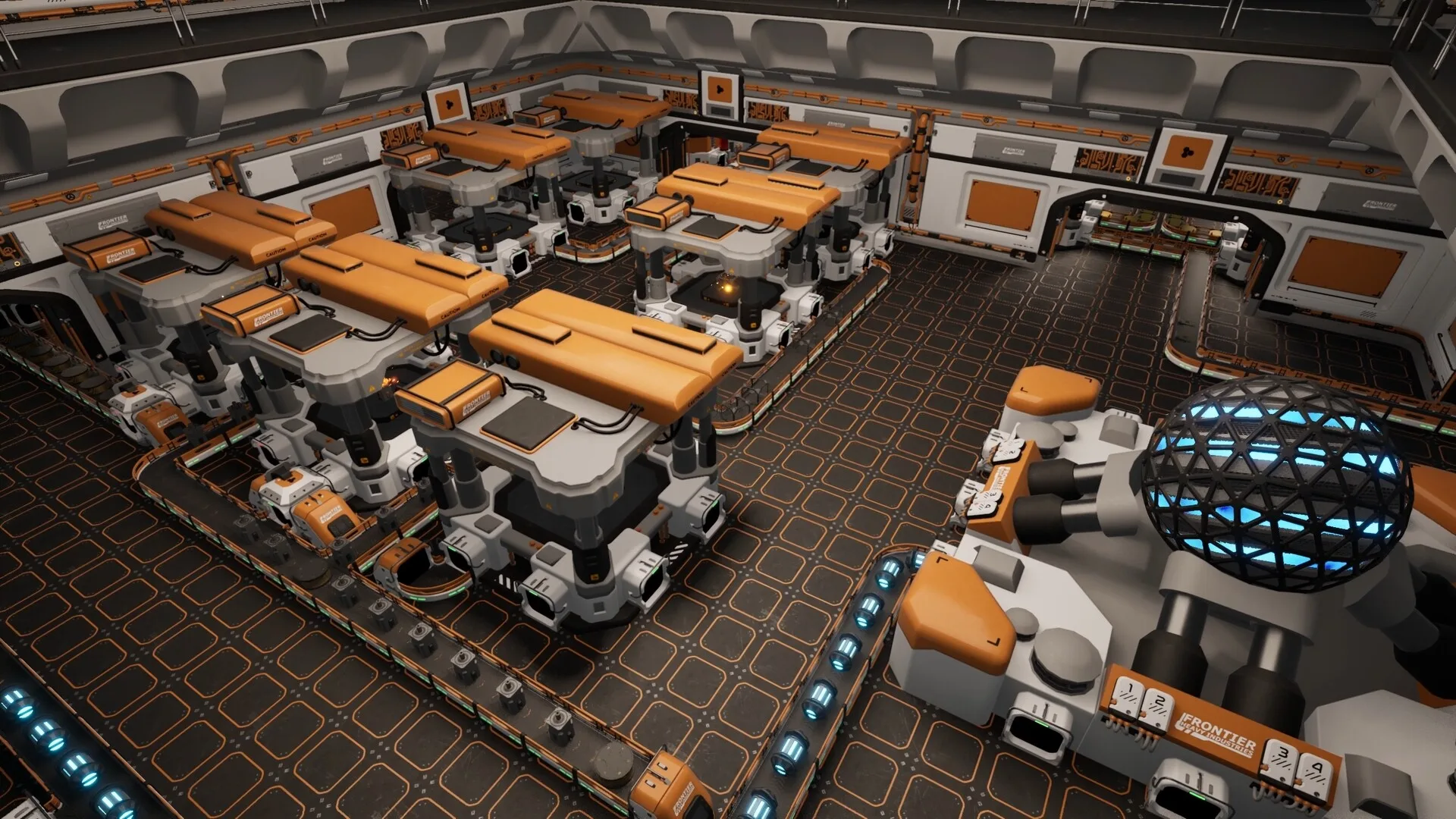
Leave enough clear floor to walk between machine rows. In a first-person factory, an aisle is part of the interface: it is how you see, repair and reconfigure the line.
5. Build one belt run
Connect only the first loop. Watch one item travel from source to destination. Then decide whether you need a splitter, a second input or a buffer container.
6. Label your own floor plan
Use visual cues: keep power on one side, storage on another, and leave a recognizable route from the dock to the production area. The game’s decoration and color tools can help, but the layout should make sense without them.
Material flow: build a trunk, then branches
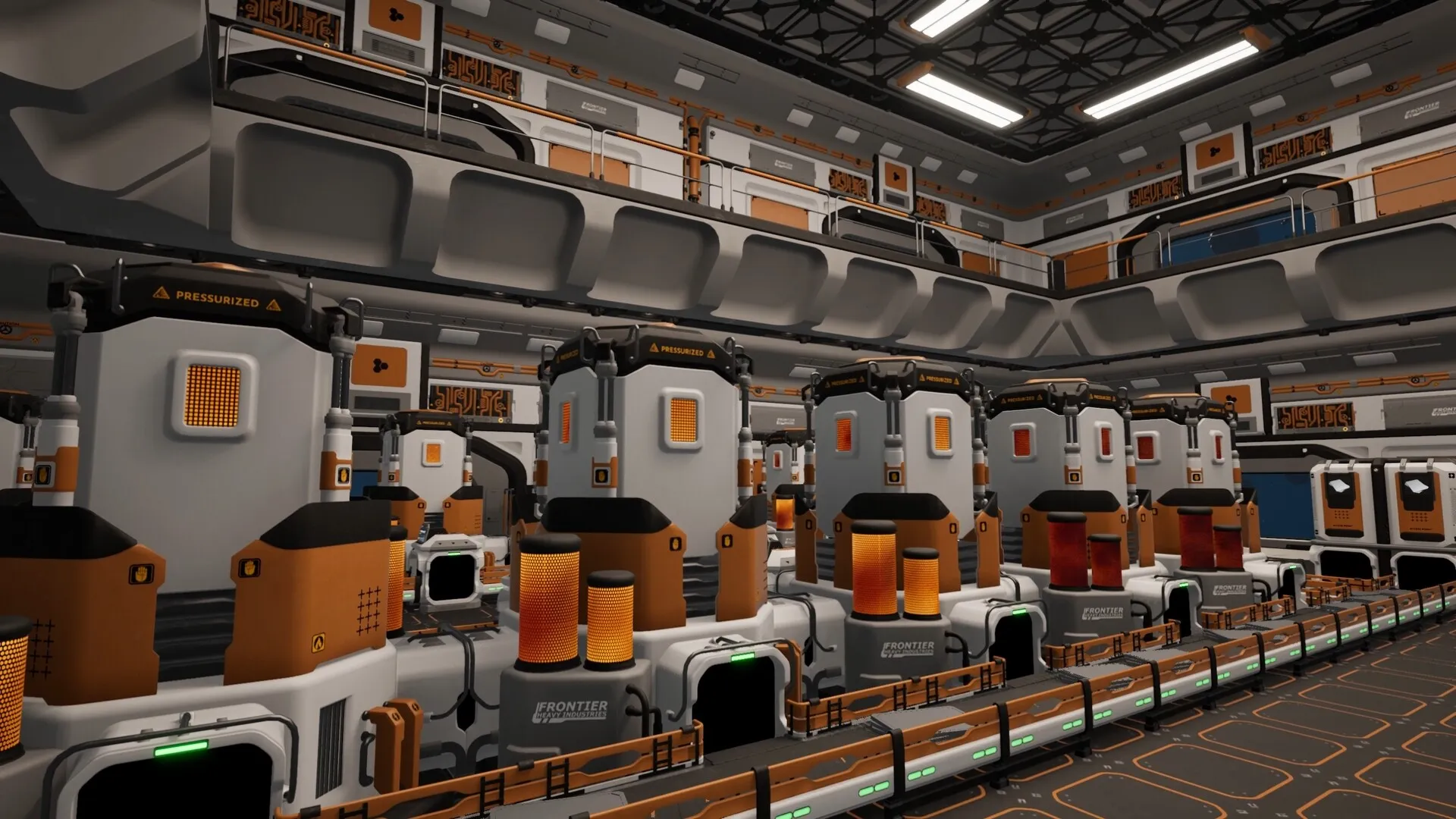
A useful mental model is a trunk and branches. The trunk carries the most-used input or output. Branches feed specific machines. You do not need a main bus in the Factorio sense: the station is three-dimensional and you can use floors, elevators and room shape.
- Trunk: the shortest stable route between the dock/storage area and the first production cluster.
- Branch: a short connection from the trunk to one machine or one row.
- Buffer: a container or open belt segment where you can see whether supply or demand is the problem.
Conveyor Belt Mk. 1, Splitter Mk. 1 and Item Elevator are confirmed logistics elements. Their exact throughput and footprint are not published in our sources, so do not copy a ratio from a video without checking the current build. Build a small test segment first, then scale the shape that works.
Belts are not the only bottleneck
A machine can stop because it lacks an input, has a full output, has no power, has the wrong filter, or cannot accept the item at all. Design your floor so you can inspect those five things in that order. A splitter is not a fix for an empty input.
Power and services
Station machines and research need power. The official demo tree shows Hydrogen Power and Solar Panels as generation unlocks. It does not publish a universal generation-to-machine ratio, so the correct amount is whatever keeps your current load stable with headroom for the next machine.
Build a power area that can grow. Keep fuel or input storage close, leave space beside the generator, and avoid burying the configuration panel behind another row of machines. If your station loses power, the factory should fail visibly at the generator rather than somewhere deep in the production chain.
Docks and storage are part of the layout
The Station Dock is the boundary between ships and the factory. Put storage near the dock, but not on top of the walking route. Containers and larger storage modules give you a buffer between incoming cargo and the machines. The exact capacity of each container is not confirmed in our public sources; see the modules database.
There is no published developer layout that guarantees optimal throughput. Treat any online “perfect ratio” build as version-specific until the full game is released and stable.
Room to expand without a rebuild
The station is a physical space, but it is also a growth plan. Leave one clear direction for new machine rows, belt trunks and storage. If you build a closed box around your first machine, the second machine will force a remodel.
- Extend the trunk, not the tangle. Add a new branch off a clean line instead of crossing five belts.
- Keep vertical options in mind. The Item Elevator exists as a logistics unlock; a multi-level plan is a legitimate long-term direction, not a requirement for the first room.
- Plan for another dock. Demo players report that extra docks can be added through the station control panel. Co-op may increase the pressure on docking and material transfer, but the exact multiplayer logistics have not been documented.
- Leave the defense lane open. A station that is easy to walk is easier to defend and repair.
Defense belongs in the floor plan
The ancient alien defense network means a factory is also a target. Station plasma turrets and shields are confirmed defense elements, but the available public sources do not give exact coverage ranges or damage values. Use the principles instead of a fake spreadsheet:
- Keep defensive systems near the assets you cannot afford to lose.
- Do not block your own fleet’s approach path with solid machine rows.
- Leave access to repair or reconfigure defense equipment.
- Treat a quiet sector as an opportunity to improve redundancy, not a guarantee of safety.
For the confirmed combat systems and what remains unknown, read the combat and defense guide.
Five failure modes to design out
| Failure | Symptom | Layout response |
|---|---|---|
| Hidden power gap | Lines stop together, but belts still contain items. | Put generation on an accessible edge and keep a visible power reserve. |
| Output blockage | The first machine fills, then the whole row stalls. | Add a visible buffer or storage endpoint before expanding upstream. |
| Wrong-item jam | A belt carries an input into the wrong machine. | Keep one item type per branch where possible; use filters deliberately. |
| Unwalkable floor | You cannot reach a machine’s configuration panel. | Reserve service aisles before filling the floor. |
| No growth direction | The next machine forces a tear-down. | Keep one wall or aisle clear for the next row and trunk. |
If you are still stuck before the first belt, the conveyor belt guide covers the power and Logistics I gate. If you want the early research sequence, see the research database.
Sources and verification
These are the primary references behind this page. Where sources disagree, the page explains the difference instead of presenting a guess as fact.
- Main Sequence on SteamValve / Tumbling Dumpling Studio2026Official storefront
Release date, Early Access statement, system requirements, feature list, store description, language support.
- Introducing Main SequenceMain Sequence / Steam2025-08-12Official developer / publisher
Core gameplay loop, ship and station designer, mining drone bays, science labs, creative mode.
- Playtest 2 Patch 4Main Sequence / Steam2026-09-21Official developer / publisher
Ship component masses, repair mechanics, Warp Fuel restriction, Slipstream Drive tutorial, general fixes.
- Playtest 2 Patch 3Main Sequence / Steam2026-09-17Official developer / publisher
Build-cost changes for turrets and containers, Furniture 1/2 unlock changes.
- Next Fest Demo UpdateMain Sequence / Steam2026-10-19Official developer / publisher
October demo update, Electromagnetic Science, new modules including Shield Generator Mk. 1, co-op in the demo.
- Main Sequence screenshots on SteamTumbling Dumpling Studio / Valve2026Official media
Official screenshots used for editorial illustration, research-tree nodes, modules and in-game UI context.
- Second dock for co-opSteam Community2026-10-29Community report
Community-tested note that additional station docks can be added through the station control panel. Not independently verified by the developer.
Accessed and checked November 1, 2026. External pages can change after publication.